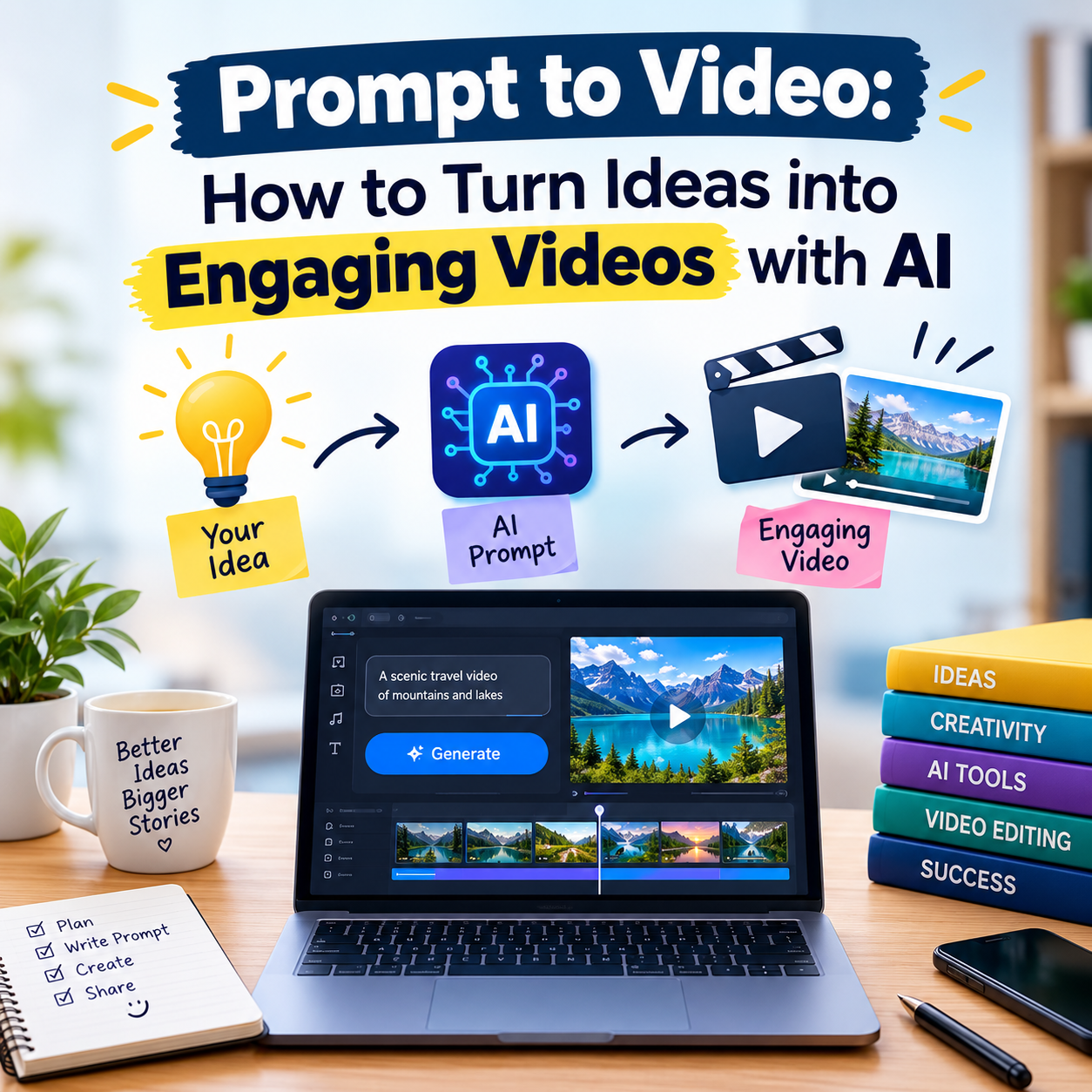
Creating an engaging video used to require a combination of scripting, filming, editing, voiceovers, graphics, and technical expertise. Today, artificial intelligence is changing that process through prompt to video technology. Instead of starting with a blank timeline, creators can describe an idea in natural language and use AI tools to transform that description into a video concept, script, visuals, and other elements.
One tool gaining attention in this space is predis.ai Prompt to Video, which helps users turn simple prompts into social-media-ready video content. Whether you are a marketer, educator, small-business owner, content creator, or someone experimenting with AI video creation, understanding how prompt-based video generation works can help you produce content more efficiently.
What Is Prompt to Video?
Prompt to video is an AI-powered approach that converts a written description or instruction—known as a prompt—into video content.
For example, instead of manually planning a promotional video, you might provide a prompt such as:
“Create a short video explaining three benefits of using reusable water bottles, with an energetic tone and a clear call to action.”
An AI video platform can interpret the idea and help generate relevant content. Depending on the tool, this may include a script, scene structure, stock footage or AI-generated visuals, captions, music, voiceovers, and formatting for different social platforms.
The important point is that the prompt acts as the starting instruction. The quality and specificity of the prompt can significantly affect the usefulness of the resulting video.
How Does AI Prompt to Video Work?
Although different platforms use different technologies, the general workflow is relatively simple.
1. Start With an Idea
First, decide what you want the video to communicate. Your idea could be educational, promotional, entertaining, informative, or storytelling-focused.
For example:
- A product introduction
- A tutorial
- A travel tip video
- A social-media advertisement
- A motivational short
- An educational explainer
Having a clear objective makes it easier to create an effective prompt.
2. Write a Detailed Prompt
The next step is to describe your desired video.
A useful prompt can include:
- Topic: What is the video about?
- Audience: Who should watch it?
- Tone: Professional, friendly, humorous, dramatic, or educational?
- Length: How long should the video be?
- Platform: Instagram, YouTube, TikTok, LinkedIn, or another platform?
- Visual style: Minimal, modern, cinematic, colorful, or realistic?
- Call to action: What should viewers do after watching?
For example:
“Create a 30-second Instagram video explaining five easy productivity tips for college students. Use a friendly and energetic tone, short captions, modern visuals, and finish with a call to action asking viewers to save the post.”
This gives an AI system considerably more direction than simply saying, “Make a productivity video.”
Using Predis.ai Prompt to Video
Predis.ai Prompt to Video is designed around the idea of simplifying content creation through AI. Instead of manually building every component of a social-media video, users can start with a content idea or prompt and let the platform assist with the creative process.
This can be particularly useful for businesses and creators who need to produce content regularly.
A typical workflow can involve entering an idea, allowing AI to develop the content, reviewing the generated result, and making adjustments before publishing. The exact features and available formats can vary as AI platforms continue to evolve.
The biggest advantage is the reduction in repetitive production work. A creator can spend less time starting every video from scratch and more time reviewing the message, improving the creative direction, and deciding what works for the intended audience.
How to Write Better Video Prompts
The prompt is one of the most important parts of AI-assisted video creation. A vague instruction may produce generic content, while a well-structured prompt provides clearer creative direction.
Be Specific About the Audience
Instead of:
“Create a fitness video.”
Try:
“Create a beginner-friendly fitness tips video for teenagers who are new to regular exercise.”
The second prompt establishes a specific audience and purpose.
Explain the Tone
Tone affects how the message should feel.
You can use descriptions such as:
- Friendly and conversational
- Professional and informative
- Energetic and exciting
- Calm and educational
- Humorous and playful
Include a Clear Structure
You can tell the AI how the video should progress.
For example:
“Start with a question, introduce three useful tips, provide a short example for each, and finish with a simple call to action.”
This creates a basic narrative structure instead of leaving the entire organization to the AI.
Mention the Platform
Different platforms often have different content expectations. If your video is intended for Instagram Reels, YouTube Shorts, or another short-form format, mention that in the prompt.
You can also specify the desired aspect ratio or presentation style when the platform supports it.
From Idea to Finished Video
A practical prompt-to-video workflow can be divided into five stages:
Idea → Prompt → AI Generation → Human Editing → Publishing
The first stage is deciding what you want to say. The second converts that idea into clear instructions. AI then creates a preliminary version. Human review comes next, where the creator checks the script, visuals, captions, timing, and factual accuracy.
Finally, the video can be adapted and published.
This last human-review stage is important. AI-generated content should not automatically be treated as finished content. Creators should check whether the message is accurate, appropriate for the audience, and consistent with their brand or purpose.
Why Prompt to Video Is Useful
AI video generation can provide several practical benefits.
Faster Content Production
Traditional video production can involve multiple steps and tools. AI can automate or accelerate some of these repetitive tasks, allowing creators to develop initial video concepts more quickly.
Easier for Beginners
People without advanced editing skills can experiment with video creation using natural-language instructions. This reduces some of the technical barriers associated with traditional editing software.
More Content Ideas
AI can also help transform one basic concept into several variations. For example, a business could create different versions of an educational topic for different audiences or platforms.
Social Media Efficiency
Social-media creators frequently need fresh content. Prompt-based tools can help develop short-form videos from ideas without requiring every video to be produced manually from the beginning.
Example Prompt Templates
Here are a few simple templates you can adapt.
Educational video:
“Create a 45-second educational video explaining [TOPIC] to beginners. Use simple language, clear visuals, short captions, and end with three key takeaways.”
Product promotion:
“Create a 30-second promotional video for [PRODUCT]. Highlight [BENEFIT 1], [BENEFIT 2], and [BENEFIT 3]. Use a modern and professional style and finish with a clear call to action.”
Social-media video:
“Create a short-form video about [TOPIC] for [PLATFORM]. Start with an attention-grabbing hook, provide three useful points, use concise captions, and finish with a question encouraging viewers to comment.”
AI Does Not Replace Creative Direction
One common misconception is that prompt-to-video tools completely eliminate the need for human creativity. In reality, the creator still plays an important role.
AI can help generate a first version, but humans decide:
- What the video should communicate
- Which ideas are worth developing
- Whether the information is accurate
- Which visuals fit the audience
- Whether the tone feels appropriate
- What should be changed before publication
The strongest results often come from treating AI as a creative assistant rather than simply pressing a button and accepting the first output.
Tips for Creating More Engaging AI Videos
To improve your results, focus on the viewer rather than the technology.
Start with a strong opening. The first few seconds should clearly communicate why someone should continue watching.
Keep the message focused. Trying to explain too many ideas in one short video can make the content difficult to follow.
Use readable captions and visuals that support the message instead of distracting from it. Finally, end with a clear purpose—such as asking viewers to learn more, save the video, visit a website, or share their thoughts.
The Future of Prompt-Based Video Creation
Prompt-to-video technology is making video creation more accessible by allowing people to communicate creative ideas using ordinary language. As AI tools continue developing, the process may become increasingly integrated with scripting, visual generation, voice production, editing, translation, and content distribution.
For creators, the key skill may therefore shift from mastering every technical production step to developing strong ideas, writing effective prompts, reviewing AI output critically, and understanding what audiences actually want to watch.
Conclusion
Prompt to Video: How to Turn Ideas into Engaging Videos with AI is more than a new content-production technique. It represents a broader shift toward conversational and AI-assisted creative workflows.
Tools such as Predis.ai Prompt to Video can help turn written ideas into video concepts and accelerate parts of the production process. However, the best results still depend on clear creative direction and human review.
A strong idea, a specific prompt, thoughtful editing, and an understanding of the target audience can work together to transform a simple sentence into an engaging video. For anyone looking to create more video content without managing every production task manually, prompt-to-video technology offers an increasingly practical starting point.