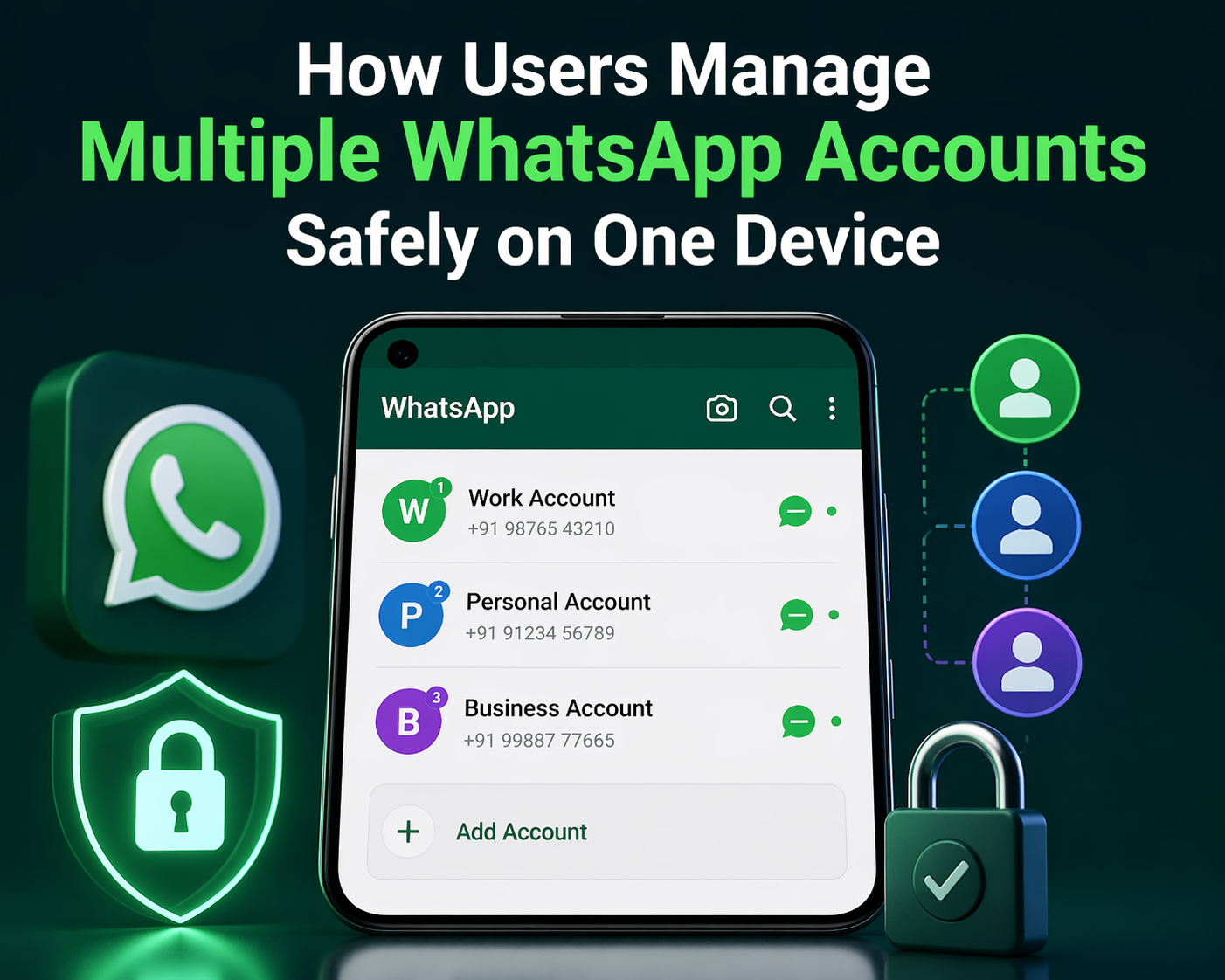
Modern smartphone users often need more than one messaging account. Entrepreneurs talk with customers, freelancers separate work from personal life, and families manage shared communication through different numbers. Because of these needs, many people search for aplicativo para clonar WhatsApp to understand how they can use two WhatsApp accounts on the same device.
The phrase creates confusion because some users believe cloning means copying another person’s messages. In reality, most people simply want a safe and legal method to run two accounts for convenience. This article explains what the term usually means, how trusted tools work, which risks to avoid, and how users can choose the best solution.
Messaging apps now handle personal chats, business conversations, delivery updates, customer support, and family communication. When all of that enters one inbox, organization becomes difficult.
Using two WhatsApp accounts helps users in several ways:
- Keeps personal and professional chats separate
- Improves response speed for clients
- Reduces distractions during work hours
- Builds a more professional image
- Makes chat management easier
Many small business owners use one number for private contacts and another for customers. This approach keeps communication clear and efficient.
What the Search Term Usually Means
When people search for cloning tools or terms like aplicativo para clonar WhatsApp, they often mean duplicating the app environment so a second account can run on the same phone.
Legal and Practical Meaning
In normal use, it means:
- Installing a second app instance
- Logging in with another phone number
- Managing two separate chat spaces
- Keeping accounts independent
Misleading Meaning Online
Some websites misuse the phrase to advertise spying software. They claim a user can secretly copy messages or monitor another person’s account. These services are dangerous because they violate privacy and may install malware.
Responsible users avoid any tool that promises hidden access to another person’s data.
Best Safe Methods to Use Two WhatsApp Accounts
Modern phones already offer secure ways to manage multiple accounts. Users should always choose official or built-in options first.
Built-In Dual App Features
Many Android phone brands include a cloning feature inside system settings. Different companies use different names, such as:
- Dual Apps
- App Clone
- Dual Messenger
- Parallel Apps
These features create a second version of supported apps like WhatsApp.
Why This Method Works Well
- No need for risky third-party downloads
- Better performance
- Stronger compatibility
- Easier setup
- Lower security risk
How Users Set It Up
- Open phone settings
- Find Dual Apps or a similar feature
- Select WhatsApp
- Enable the second version
- Register another number
After setup, both apps run separately.
Using WhatsApp and WhatsApp Business Together
This is one of the most popular solutions.
Regular WhatsApp handles personal conversations, while WhatsApp Business supports customers and work communication.
Benefits of WhatsApp Business
- Business profile with contact details
- Greeting messages
- Quick replies
- Product catalog
- Labels for organizing chats
Freelancers, online sellers, and service providers often prefer this setup because it looks professional and saves time.
Linked Devices for Better Productivity
WhatsApp allows users to connect one account to computers or tablets.
Why This Helps
- Faster typing on a desktop
- Easier file sharing
- Better multitasking
- More efficient customer service
This option works especially well for professionals who answer many messages daily.
Risks of Unofficial Clone Apps
Many websites offer APK files or unknown tools. Users should understand the risks before installing them.
Privacy Concerns
Some apps ask for unnecessary permissions, such as:
- Contacts
- Storage
- Microphone
- Camera
- Messages
Too much access can expose personal data.
Malware Threats
Untrusted downloads may include harmful code that steals:
- Passwords
- Banking details
- Personal photos
- Contact lists
This risk makes random APK files a poor choice.
Account Suspension
WhatsApp may restrict accounts using unsupported modified apps or policy-violating tools.
Poor App Performance
Low-quality apps often create problems such as:
- Frequent crashes
- Battery drain
- Notification failures
- Slow loading
- Chat sync issues
How Users Choose the Right Option
A smart user checks the quality before installing any tool.
Download Only From Official Stores
Trusted sources include:
- Google Play Store
- Apple App Store
These stores review apps and remove many harmful listings.
Check Reviews Carefully
Real reviews often reveal:
- Bug reports
- Too many ads
- Privacy concerns
- Poor support
Balanced feedback helps users decide.
Review Permissions
If a simple utility requests microphone or message access without a reason, users should stay cautious.
Prefer Frequently Updated Apps
Developers who release updates usually fix bugs and improve compatibility with new devices.
Productivity Tips for Managing Two Accounts
Once users create a proper setup, they can improve their daily workflow significantly.
Separate Contacts Clearly
Use:
- Personal number for friends and family
- Business number for customers and clients
This separation keeps conversations organized.
Use Labels and Categories
Business users can label chats, such as:
- New Leads
- Orders
- Payments
- Support
- Follow-Up
This saves time and improves service.
Set Work Hours
Mute business notifications after office hours to maintain personal balance.
Enable Backups
Regular backups protect valuable messages and media if the phone is lost or replaced.
Turn On Two-Step Verification
This security feature adds extra protection against unauthorized access.
Common Mistakes Users Should Avoid
Many people create unnecessary problems by ignoring simple rules.
Installing Random APK Files
External websites may offer outdated or unsafe versions.
Mixing Work and Personal Chats
Using one inbox for everything causes clutter and missed messages.
Ignoring Security Settings
Users should review privacy settings for:
- Last seen
- Profile photo
- Status visibility
- Blocked contacts
Forgetting to Update Apps
Old versions may contain bugs or security weaknesses.
Is It Legal to Use Two Accounts?
Yes, using two personal numbers on one phone is generally normal when the user owns both numbers and follows platform policies.
Problems begin when someone attempts to:
- Spy on another person
- Copy messages without consent
- Use stolen numbers
- Access private data secretly
Ethical users focus on organization and productivity.
Why Businesses Prefer Dual Accounts
Small businesses benefit greatly from separate communication channels.
Example Uses
- Restaurants handling orders
- Freelancers managing clients
- Delivery services are updating customers
- Consultants booking appointments
- Online sellers answering product questions
A dedicated business account builds trust and faster response times.
Future Trends in Multi-Account Messaging
As remote work and digital commerce grow, more users will need multiple communication identities. Smartphone makers now recognize this demand and continue adding better built-in app cloning features.
Future improvements may include:
- Easier switching between accounts
- Stronger privacy controls
- Better battery efficiency
- Smarter notification management
Final Thoughts
Many users search for aplicativo para clonar WhatsApp because they need practical ways to manage more than one messaging identity. The safest route involves official solutions such as built-in dual apps, WhatsApp Business, and linked devices.
Users who choose trusted methods gain better organization, stronger productivity, and improved privacy. They avoid risky software, protect personal data, and create a smoother communication routine.
The smartest user does not chase suspicious shortcuts. Instead, they choose secure tools that support daily life and business growth with confidence.